Tile query#
The tile query tool enables to submit tile queries for a certain region of interest. The result is a list of tiles, which can be exported into a list of tilenames, geotransformation parameters, and Python objects.
You have three options to define your region of interest:
Manually enter a rectangular bounding box coordinates using a set of latitudes and longitudes (⌨️)
Draw a rectangular bounding box in the map (🔲). You can start drawing with a left-click and finish drawing with a right-click.
Draw a free polygon (✏️). You can start drawing with a left-click and finish drawing with a right-click.
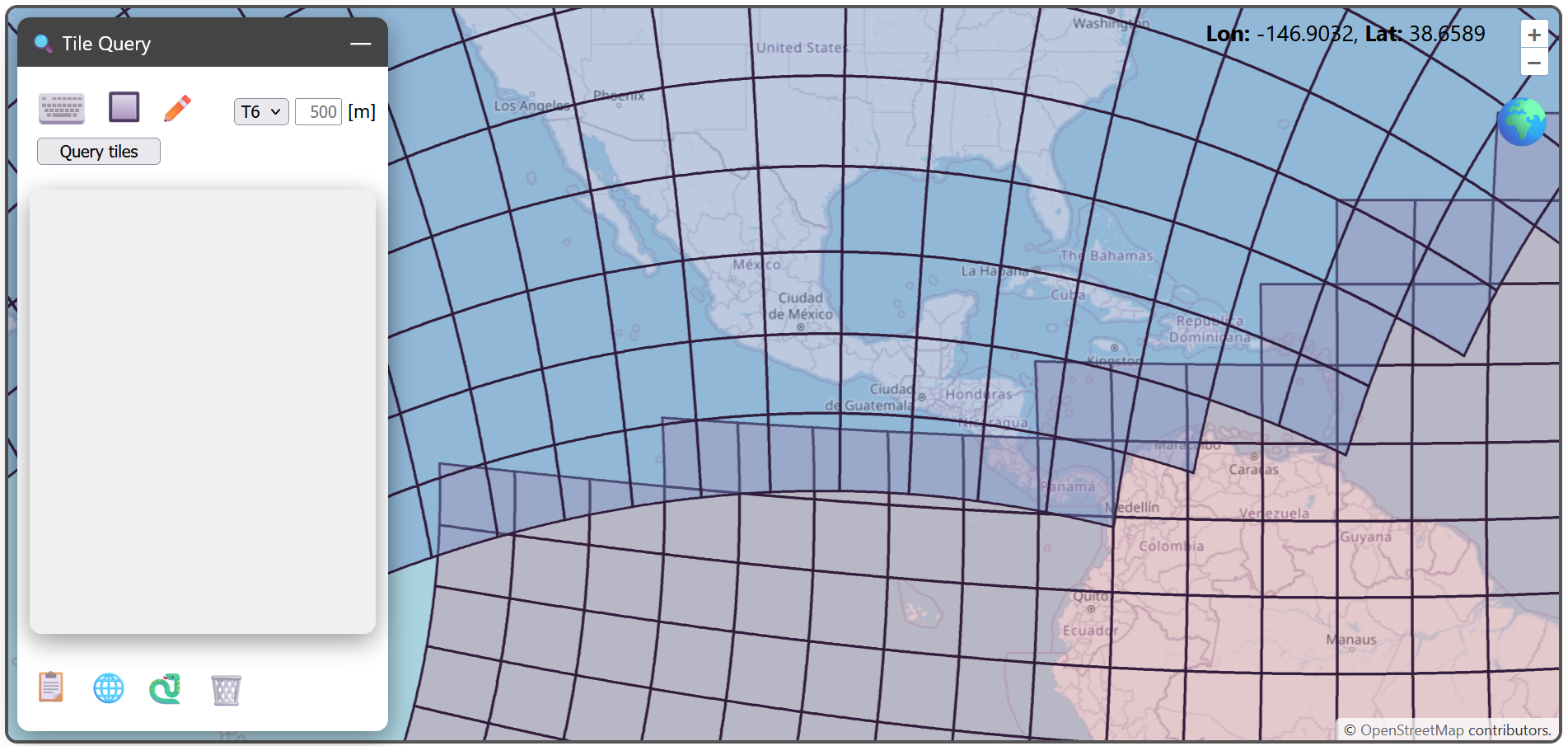
Next to the region of interest symbols, you can specify the desired sampling of the tiles. This is relevant for creating the correct geotransformation parameters and Python objects. You can specify the tiling ID from the dropdown menu.
Note
If you change the sampling to a different value (other than 500m, or one specified before) and submit the query, then all pre-computed objects need to be re-rendered. This takes significantly more time to finish the query.
In the example below, we submit a query by drawing a bounding box covering Central America. After execution, the tiles in the result are highlighted on the map (if the respective tiling is set visible in the layer manager (📚)), and the tile list populates the area below the query form.
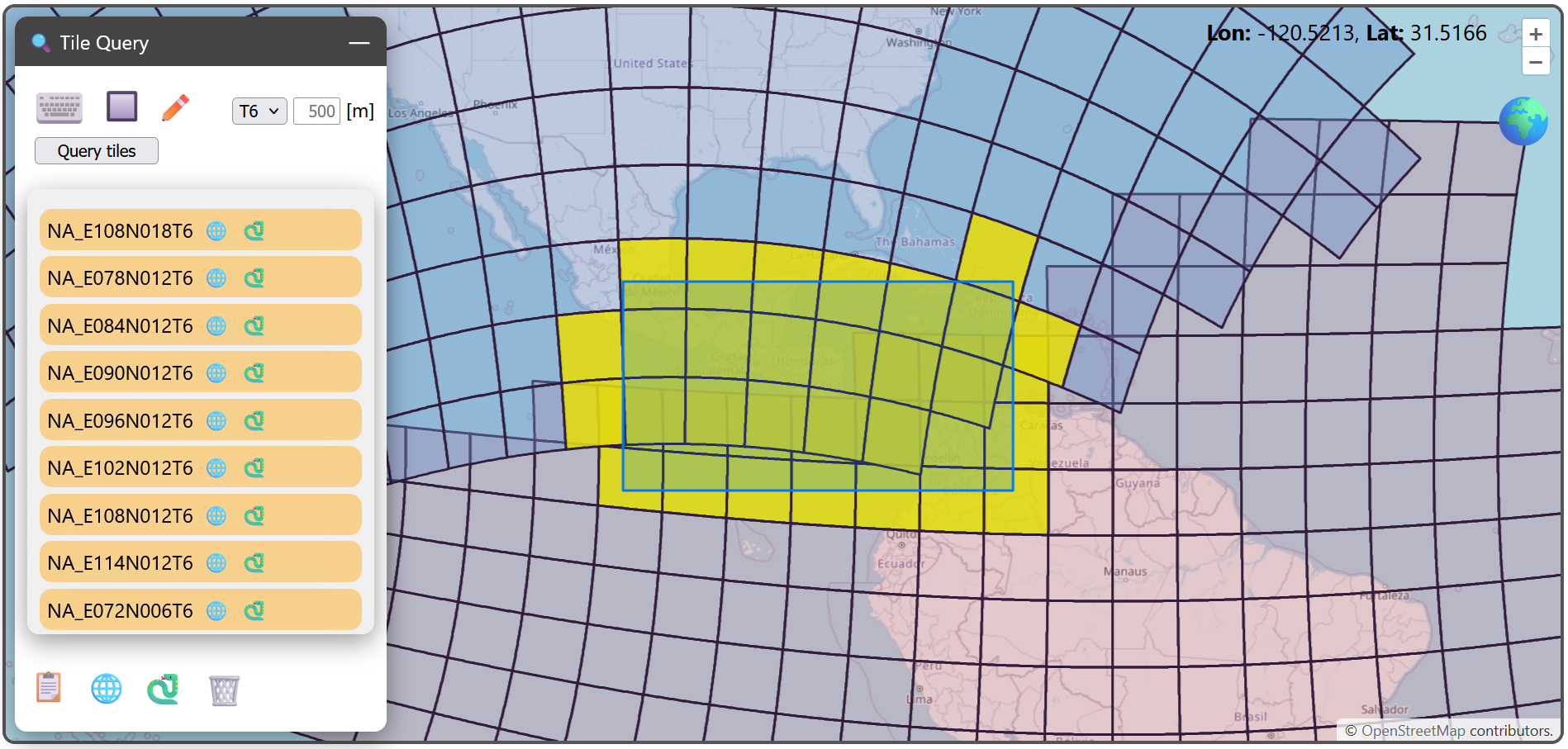
You can highlight single tiles by clicking through the obtained list. There are two symbols next to the tilename:
🌐: copy GDAL’s six geotransformation parameters to the clipboard (for example:
7800000,500,0,2400000,0,-500)🐍: copy Python code allowing to generat an
Equi7Tileinstance to the clipboard.
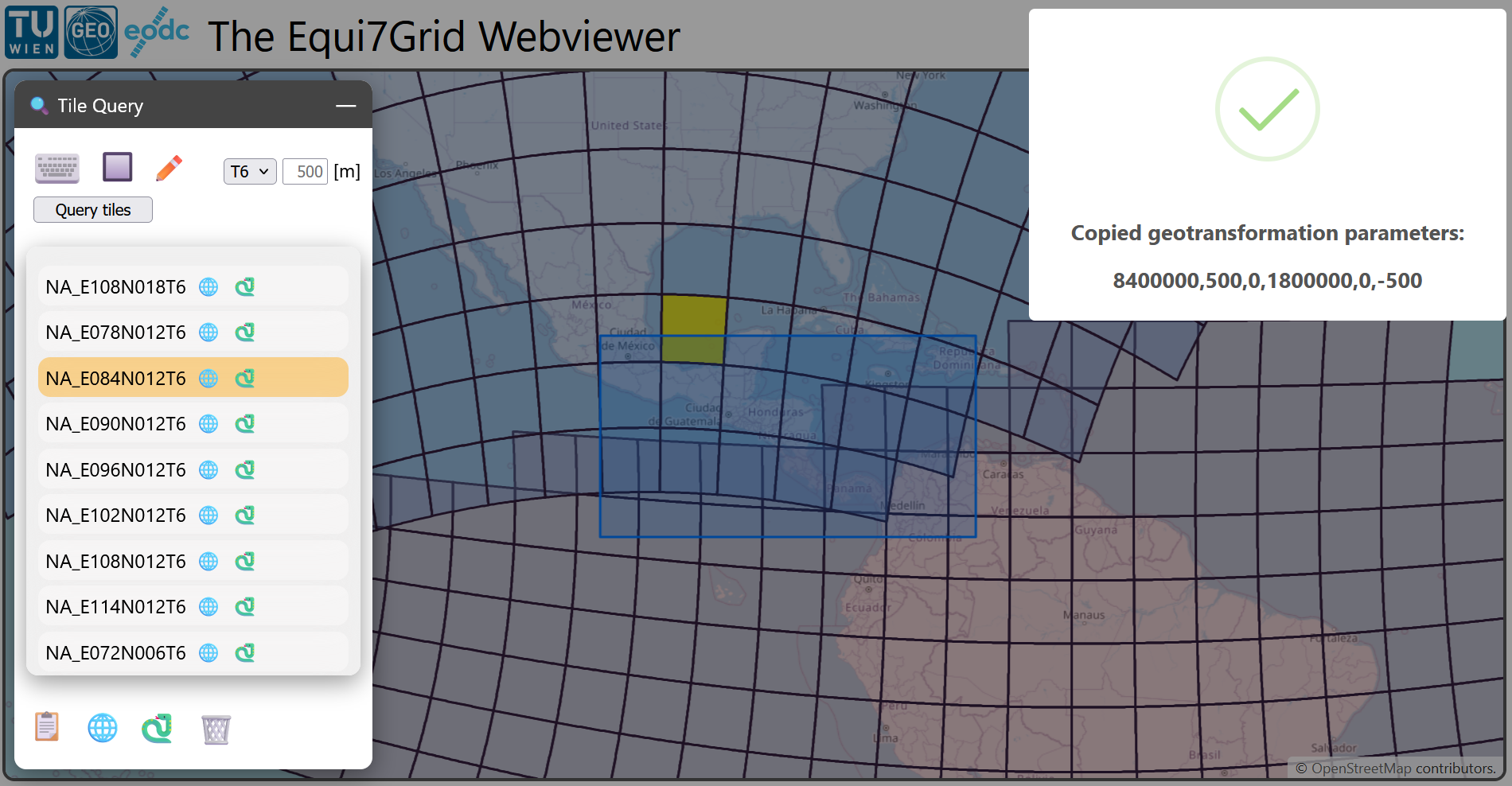
Here is an example, when copying the geotransformation parameters of a specific tile in the North American T6 tiling.
The copy-pasted python code is for this example:
import json
from equi7grid._core import Equi7Tile

json_dict = json.loads('''{
	"covers_land": true,
	"crs": "+proj=aeqd +lat_0=52 +lon_0=-97.5 +x_0=8264722.177 +y_0=4867518.353 +datum=WGS84 +units=m +no_defs +type=crs",
	"geotrans": [
		7800000,
		500,
		0,
		2400000,
		0,
		-500
	],
	"n_cols": 1200,
	"n_rows": 1200,
	"name": "NA_E078N018T6",
	"px_origin": "ll"
}''')
e7tile = Equi7Tile(**json_dict)
The symbols on the bottom perform exports on the whole tilelist:
📋: copy all tilenames to the clipboard (separated via a newline)
🌐: copy a JSON dictionary mapping all tilenames to geotransformation parameters to the clipboard
🐍: copy Python code allowing to generate a Python dictionary mapping tilenames to
Equi7Tileinstances to the clipboard
With the 🗑️ icon you can delete the tile list, and start fresh.